



How to Write a Manufacturing SOP

The average manufacturer loses between 15% and 20% of total sales revenue to poor quality. Not bad products. Not bad people. Poor quality caused by inconsistent processes – because nobody wrote down the right way to do the job. (Source: AutoDesk)

That’s not a small number. On a $10 million revenue business, that’s up to $2 million a year quietly disappearing into rework, scrap, re-inspection, and defects that make it out the door.

And then there’s this: new employees in manufacturing are five times more likely to be injured in their first month than experienced workers. Five times. Most of those incidents trace back to inadequate training – and you can’t train properly without documented processes. (Source: OSHA)

So we know SOPs matter. The problem isn’t awareness. The problem is that even when they exist, most SOPs don’t work.
They’re written at a desk by someone who doesn’t do the job, formatted into a wall of text, and filed somewhere nobody looks. The process changes. The document doesn’t. And eventually the whole initiative gets quietly abandoned.

This article walks through how to write an SOP for a manufacturing process the right way – step by step. It’s based on the same approach we’ve used with hundreds of manufacturers around the world.

Before You Write a Word:

Know What Type of SOP You’re Creating

The first mistake most people make is assuming every SOP should look the same. It shouldn’t.

Before you write a single SOP, you need to decide what type of document you’re creating, because in manufacturing there are really two categories.

Type 1: The guide or 'how-to' SOP

These are the majority of SOPs you’ll create. They’re designed to capture knowledge, share best practice, and help people perform routine tasks consistently.

Think machine setup, changeovers, cleaning procedures, material handling, basic maintenance activities, or administrative tasks.

For these, a simple visual SOP works well – a photo, a short instruction, one step at a time.

The goal isn’t bureaucracy. It’s clarity. It’s making it easy for someone to perform the task correctly without relying on memory or tribal knowledge.

Type 2: The critical process SOP

These are the jobs where getting it wrong has consequences. Processes that affect safety, quality, compliance, or customer experience.

For these, documentation alone isn’t enough. You aren’t simply creating a guide – you’re creating a training standard. A document that will be used to train people, assess competency, and ensure the process is performed consistently every single time.

That requires a different, more detailed approach. We’ll cover that as we go.

But first, regardless of which type you’re documenting, there’s one rule that never changes.

Go to the Gemba

Gemba is a Japanese word. It means the workplace – where the action is happening, where the value is being added.

And here’s the single most important rule in SOP writing:

“the further away from the gemba the SOP is created, the worse the SOP is going to be”

That’s perhaps the most important point in this whole article.

You cannot write an accurate SOP from your desk. You’ll miss steps. You’ll describe the process as you think it runs, not as it actually runs. And when the operators who do that job every day read it, they won’t recognize it as theirs – so they won’t use it.

Get yourself onto the floor. Observe the process as it is, not how you think it is.

The GREAT Framework

Once you’ve identified the process and you’re at the gemba, here’s how to build the SOP. We use a five-point framework called GREAT.

Every SOP you write should pass all five criteria before it goes live.

  • G – Gemba
  • R – Recognized
  • E – Easy
  • A – Available at point of use
  • T – Tested and trained

G - Gemba

Don’t write your SOPs from your desk unless the process happens there.

Go to where the work is happening. Go to where the value is being added. Go to where the product is physically changing.

Observe the movement, the materials, the machine interaction, the tooling, the safety risks, and the quality-critical details.

Observe the work. Engage with the people doing it. Document reality, not assumptions.

R - Recognized

The people doing the work need to recognize themselves in the document. That’s not a soft point – it’s a practical one. If operators look at an SOP and don’t see their process in it, they won’t trust it and they won’t use it.

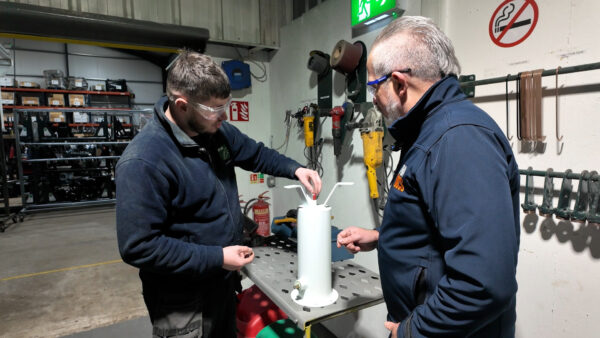
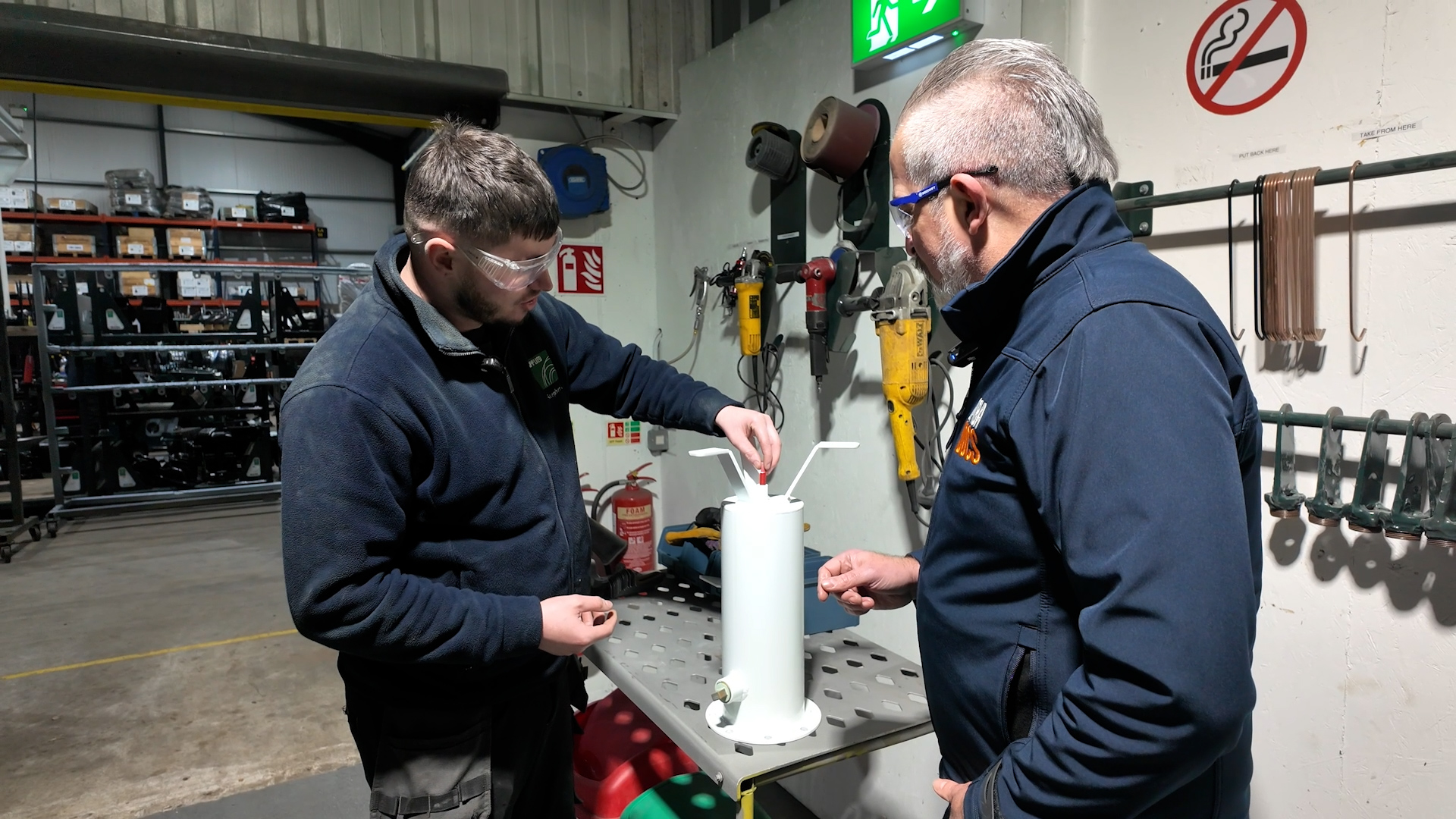
That’s why you should always involve at least two people when documenting a process: the operator who performs the work every day, and a facilitator who can ask questions and challenge assumptions.

Something interesting happens when people document a process together. Differences in how the work is done start to surface naturally. “Why do you do it that way?” “Because that’s how I was shown.” Those conversations are where the real value lies – and where you’ll often find some surprises.

The goal isn’t simply to document the process as quickly as possible. It’s to deepen your understanding of the process itself. In many cases, the discussion around creating the SOP delivers as much value as the SOP that comes out the other side.

For critical processes, it’s also worth involving a subject matter expert – an engineer, a process owner, a quality specialist – to help identify key points, risks, and controls.

One final point: the operator should hold the phone. Literally. When the person doing the work helps create the SOP, they don’t see it as somebody else’s document.

They see it as their process, captured in their words, for the benefit of the whole team. That’s what recognition looks like.

E - Easy

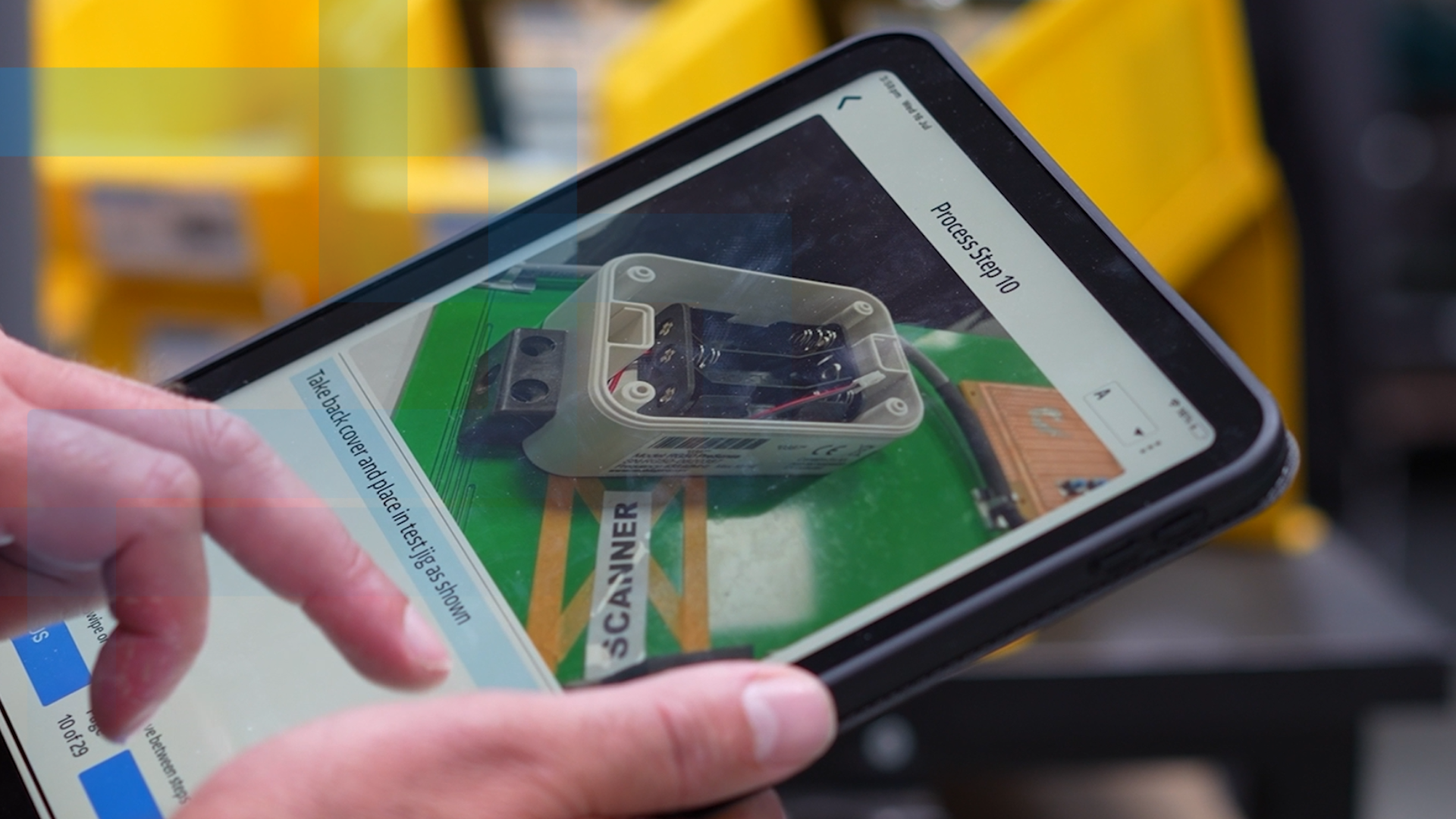
A manufacturing SOP should be visual. Short step descriptions. Real photographs or short video clips from the actual process – not stock images, not diagrams, photos of your floor, your equipment, your parts.

For most SOPs, one photo per step is perfect. One short instruction. One action per step.
Document the job exactly as it is performed today before you try to improve it. Then challenge every detail. Ask why each step is necessary. What is its purpose? Can it be simplified? Can it be safer? Can quality be improved? This is where continuous improvement begins.

If you’re documenting a critical process, this is even more important. Critical processes deserve a more structured format.

This is where the Training Within Industry (TWI) approach comes in. Instead of simply documenting what to do, you identify the major steps, the key points within those steps, and most importantly, the reasons why those key points matter.

For example: instead of simply writing “torque to 45 Newton meters,” you explain that the torque setting prevents joint failure under load. When people understand why something matters, they’re far more likely to perform that task correctly – and to spot problems before they become defects.

Why Your Team Won't Follow SOPs (And How to Fix It)

A - Available at Point of Use

Here’s a phrase worth keeping: put the answer where the question is asked.

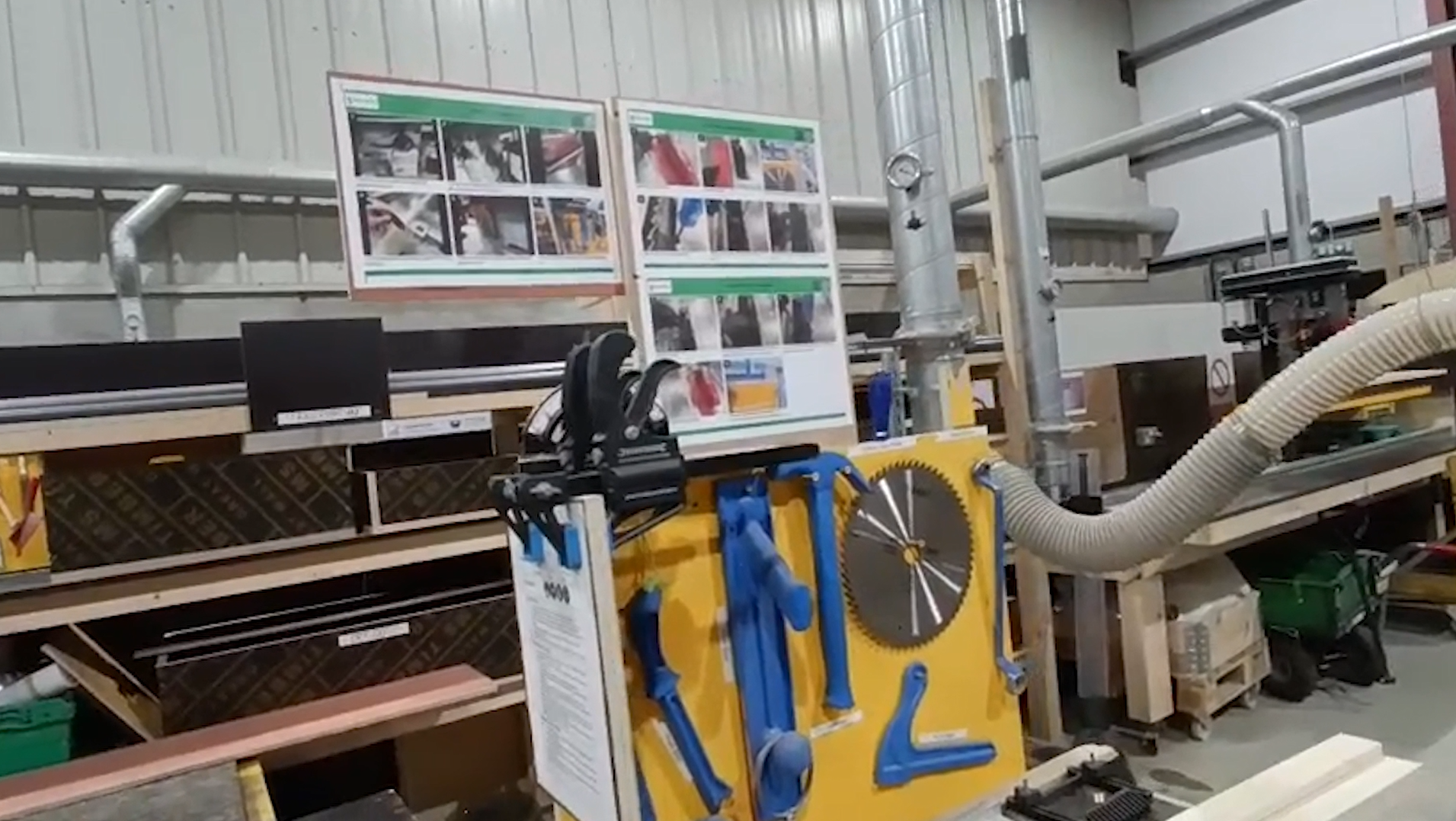
If someone needs to know how to set up a machine before a production run, the SOP needs to be at the machine – not in a binder on a shelf, and not buried in a shared drive.

One of the biggest mistakes companies make is assuming that because the standard exists, it will be used. It won’t. People need to know the standard exists, understand why it matters, and be able to access it within seconds when they need it.

If operators have to stop what they’re doing and go searching for an SOP, you’ve already created friction. And friction is the enemy of standardization.

You can deploy SOPs in different ways depending on the situation:

  • A laminated copy at the workstation for stable processes that rarely change
  • A QR code on the machine linking to the latest live version
  • A link embedded directly into the ERP or works order system so the instruction arrives with the job

The format matters less than the accessibility. The best SOP in the world creates no value if people can’t find it when they need it.

T - Tested and Trained

Before an SOP goes live, someone other than the person who wrote it needs to follow it. Watch where they hesitate. Find the gaps. Fix them before they become a defect or an injury.

If your organization runs a formal quality system, the document will also need to go through an approval process before it’s released.

But testing the document is only half of it. This is where most SOP systems fall down.

People document a process, publish it, and assume the job is done. It’s not.

For guide-type SOPs, documentation may be enough. But for critical processes – anything that affects safety, quality, compliance, or customer experience – documentation is only the beginning.

You need evidence that people can actually perform the process correctly. That means training them properly, assessing their competency, and tracking it over time.

A skills matrix becomes essential here. A critical SOP isn’t just a document – it’s part of an implemented system. You need to know who has been trained, who has been assessed, who is qualified to perform the task, and when retraining is due.

What you’re replacing is what we call microwave training – pointing at the machine, pressing a button, and walking away. That creates quality problems every time. Poorly trained operators are behind more defects than most manufacturers realize.

Writing the SOP is important. Implementing it is where the value is created.

Hope is not a business strategy.

Skills Training

What It Looks Like in Practice

Brian Meyers runs Fat American Manufacturing in Kalamazoo, Michigan. When he started his lean journey, he had no standard work in place – not one SOP.

Here’s what he figured out early on about why traditional approaches don’t hold up on the shop floor:

Heading into my lean journey, I had no idea what standard work was. I’d never even heard the term. So when someone told me they wanted to create standard work in an Excel or Word document, I thought they were nuts. Who’s going to continue to modify it? Who’s going to use it? How do you deploy it? You’re just going to print a bunch of Word documents out and paste them all over your factory? It’s not going to happen. What happens if you change the process? How are you going to make that change?
Brian Meyers
Fat American Manufacturing

That’s the key insight Brian landed on early: a living document. Not a PDF you print once and laminate. A document that can be updated from the floor immediately, without going back to a desk.

He went from zero to over 1,700 SOPs in ten months. Not because they found extra time somewhere – because the process of creating them was simple enough that operators could do it for themselves. One photo, one short description, one step at a time.

That’s what happens when you take SOPs off the desk and put them on the floor, in the hands of the people doing the work.

Not Every Process Needs the Same Level of Control

For everyday tasks, a simple visual SOP is often all you need. Capture the knowledge, make it visual, keep it current, and keep it close to the work.

But for processes that affect safety, quality, compliance, or customer experience – don’t stop at documentation. Build a training standard. Identify the key points. Explain the reasons why. Train people properly and track that competency using a skills matrix.

Because great manufacturing doesn’t come from having SOPs. It comes from having SOPs that are understood, followed, and sustained – so that you have competent people performing those tasks, consistently, every time.

Latest Articles

Inside: Applied Concepts

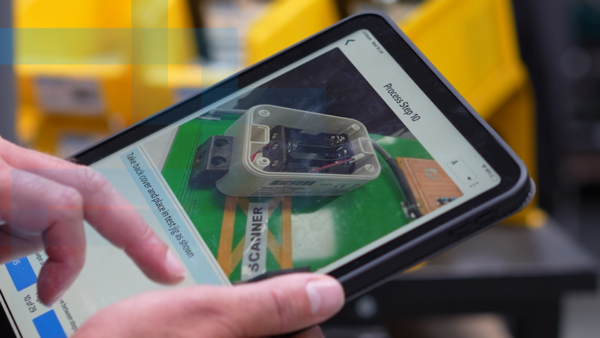
An Irish manufacturer that cut flagship build time from four weeks to one day using standard work, one-piece flow, and GembaDocs SOPs on the shop floor.
Read On...
Why Your Team Won't Follow SOPs (And How to Fix It)

Why Your Team Won’t Follow SOPs (And How to Fix It)

Most manufacturing teams resist SOPs not because they hate standards, but because those standards are written without them. This article breaks down why SOPs fail on the shop floor, the five real benefits of getting them right, and what it takes to build procedures people actually use.

Read On...

GembaDocs' Support Hub

Find clear, practical support articles to help you create, use and manage Kanban cards in GembaDocs.