
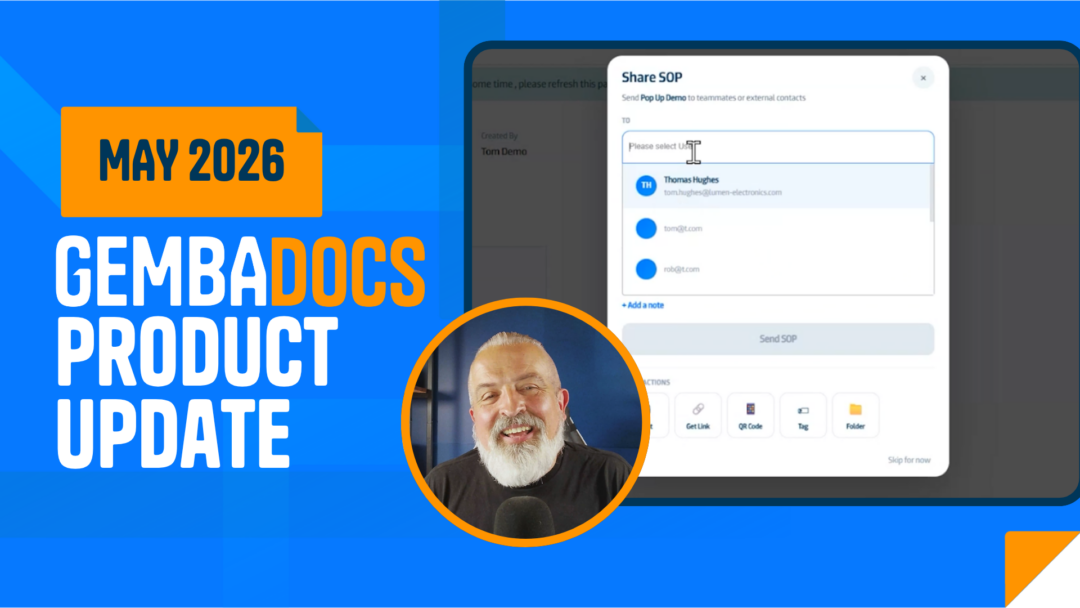
The May update covers six areas: a new SOP smart menu, draft collaboration, platform reliability, Kanban improvements, upgraded document control, and more control for multi-site admins.
Tom, CEO of GembaDocs, walks through every change in our latest update video below. Watch it for the full run down, or keep reading for a breakdown of what’s new and what it means for your team.
Here’s everything that’s new.
A New Menu After Creating SOPs
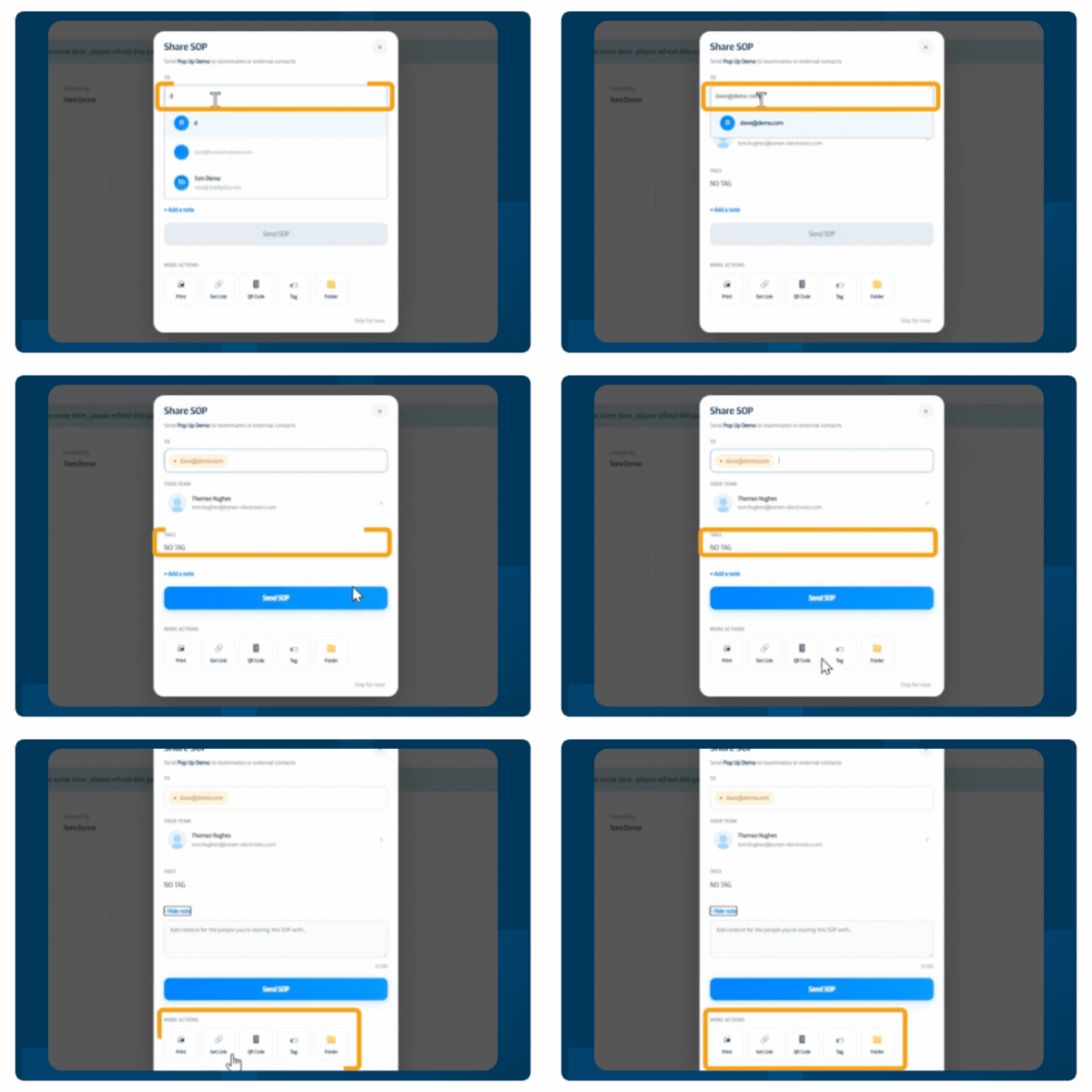
When you create an SOP, a new pop-up now appears straight away. From there you can share it with a colleague, invite new users, print it, generate a QR code, tag it, or move it into a folder. No extra clicks, no hunting through menus.
It’s a small change that saves real time when you’re setting up documents for a new process or rolling out standard work to the floor.
Collaborate on Drafts Before They Go Live
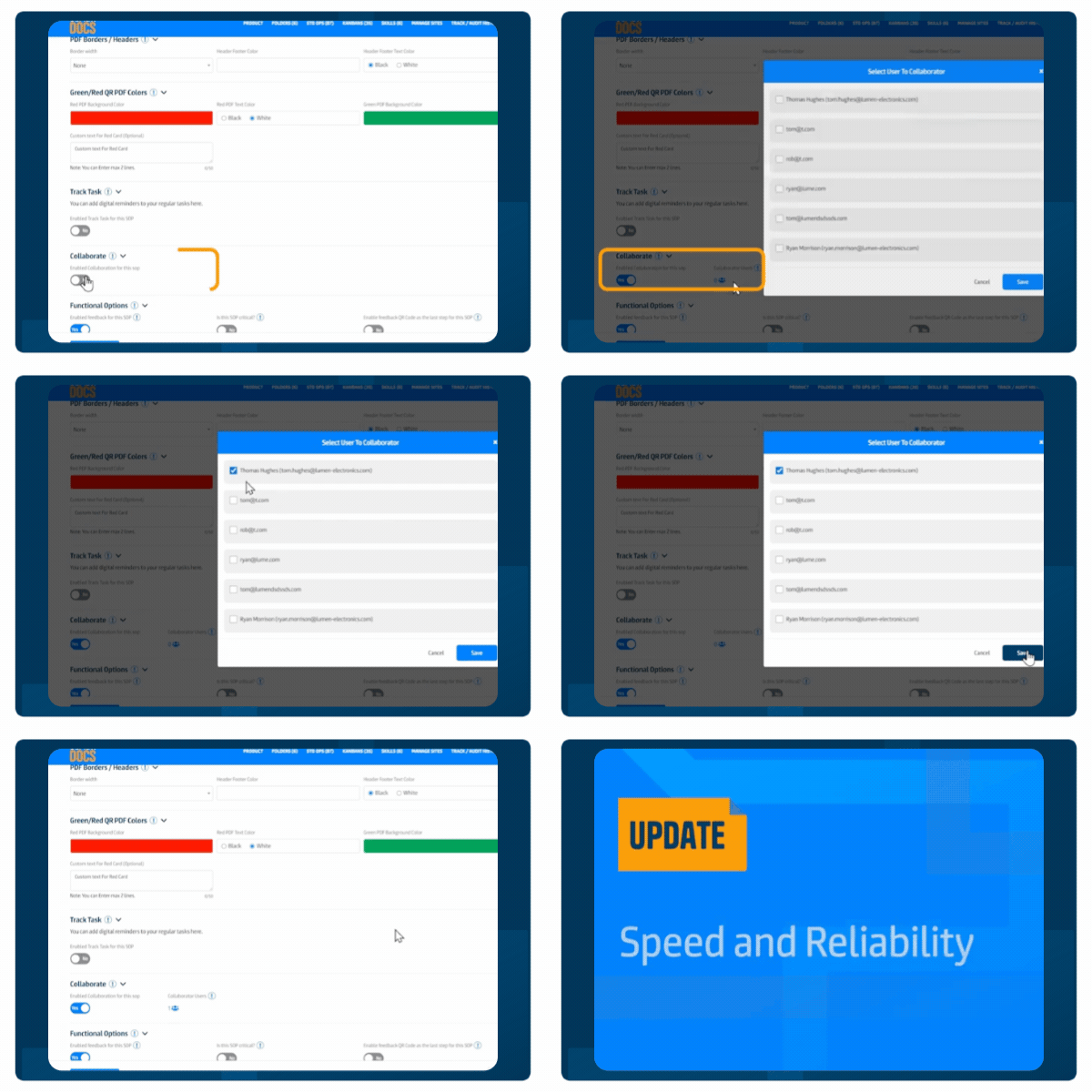
SOPs no longer have to be a solo effort before approval. You can now invite a colleague to work on a draft with you before it goes live.
Find the option in Advanced Options. Stay in draft mode, make your changes together, and only submit for approval when you’re ready. Simple, but it closes a gap that mattered for teams building out more complex procedures.
Speed and Reliability Improvements
We had one short downtime this month, which is rare for GembaDocs. In response, the engineering team has separated workloads across different parts of the platform. This improves both speed and day-to-day reliability.
This is part of ongoing infrastructure work – you won’t see it directly, but you’ll feel it.
Kanban: Two QR Codes and Cleaner Tag Management
Two updates on the Kanban side.
- You can assign an admin to specific selected sites, rather than having to choose between one site or all of them.
- You can now delete Kanban tags directly from the tag list in Settings. Keeps things tidy as your processes evolve.
Document Control: Two-Level Approval and Richer Audit Trail
For Premium Plus customers, document control now supports two levels of approval. Documents move through a first approval before reaching the second. This keeps senior people’s time focused on what actually needs their sign-off.
The audit trail has also been expanded. You now see who revised each document and who approved it, and all approvers are listed on the SOP itself. For teams facing more demanding audits, that detail matters.
Find these settings in Settings > Advanced Document Settings > PDF and Export.
Multi-Site: Selected Admin Access and Site-Level Tags
Multi-site admins now have more precise control.
- You can assign an admin to specific selected sites, rather than having to choose between one site or all of them.
- Tags can now be managed at site level rather than only globally, giving each site more ownership of its own content organization.
- You can now add two email QR codes to the back of a Kanban card instead of just one. Useful when a card needs to trigger emails to two different contacts or addresses.
These changes are part of ongoing work to support larger organizations running GembaDocs across multiple locations.