
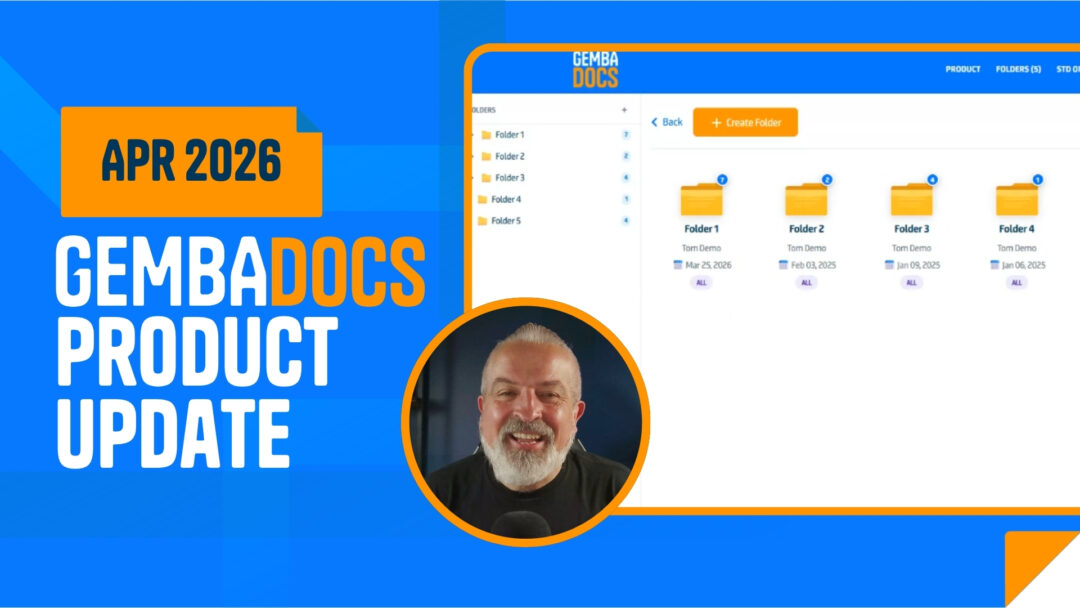
The April update is focused on making GembaDocs easier to manage – whether you’re a team of five or rolling out across multiple sites. This one covers six areas: folders, Kanban, the public API, user management, SOPs, and skills.
Tom, CEO of GembaDocs, walks through every change in our latestes update video below. Watch it for the full run down, or keep reading for a breakdown of what’s new and what it means for your team.
Here’s everything that’s new.
A Completely Rebuilt Folder Experience
Managing and restructuring your content just got a lot more flexible.
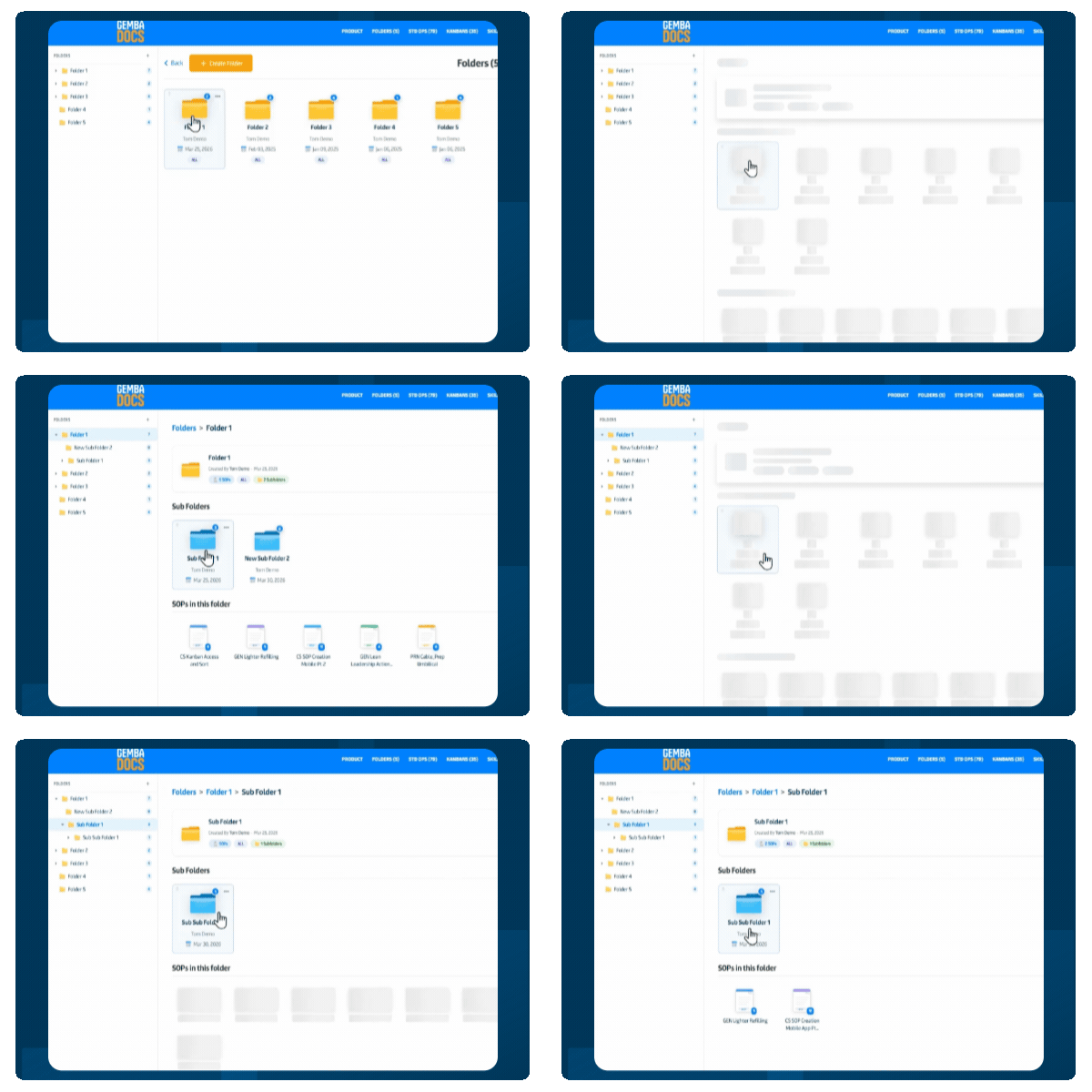
- The old basic folder and subfolder setup has been replaced by a Windows-style structure with unlimited levels of nesting
- Breadcrumb navigation lets you move around quickly and stay oriented as you go deeper
- You can now generate red and green folder QR codes to link entire folders directly to task boards
Kanban: Smarter QR Code Scanning
Two changes that remove friction for operators on the shop floor.
- When scanning a QR code, users can now choose to send emails directly from GembaDocs – no need to use a personal device
- Long ordering URLs are automatically shortened, so QR codes stay clean and easy to scan
(Thanks to Andrew at Blue Cow Moving & Storage, in Indiana, for that one)
Public API: Now Open to All Accounts
The biggest change in this update – API access is no longer limited to top-tier plans.
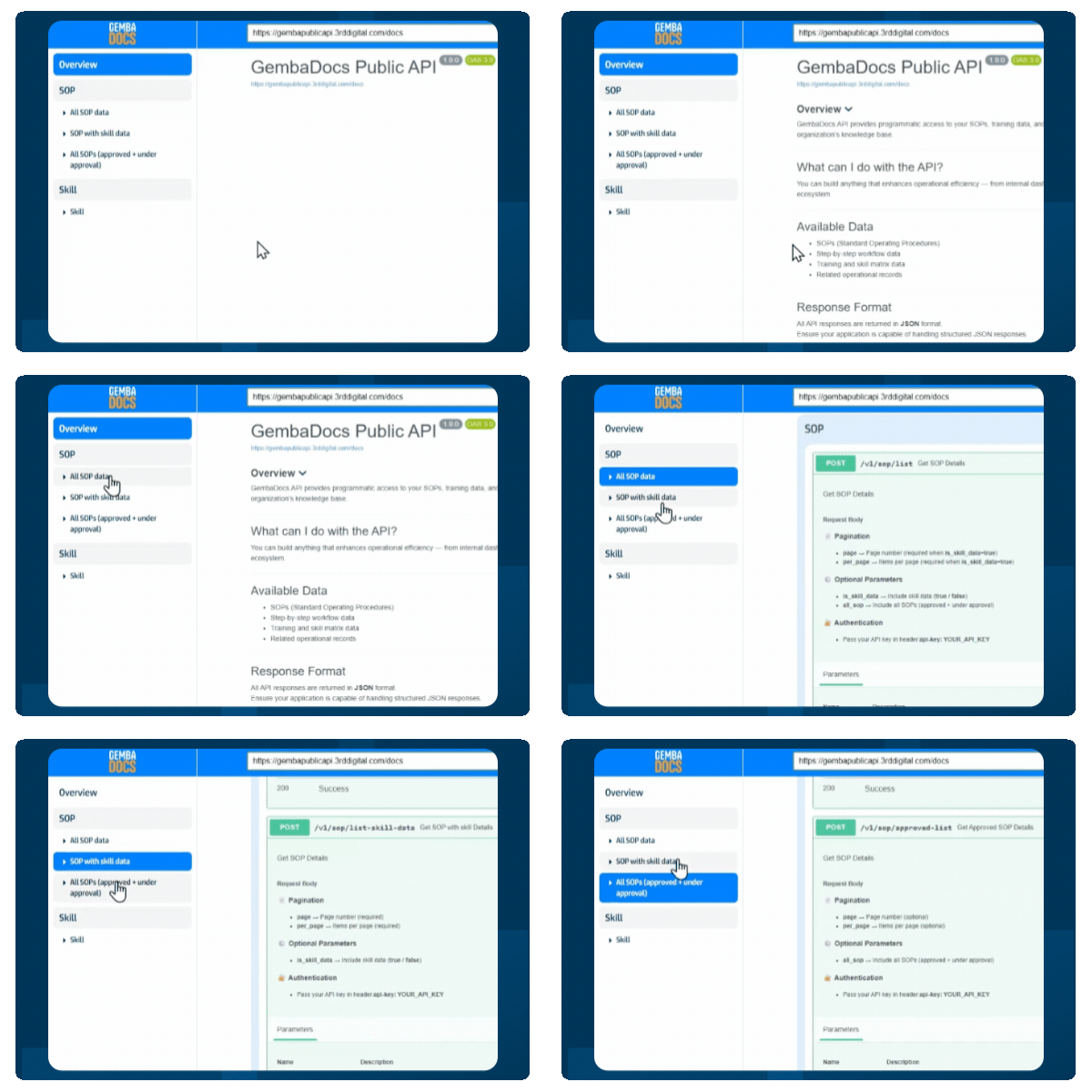
- All GembaDocs accounts now have access to the API, with access levels that vary by plan
- More and more customers are building internal tools, custom apps, and AI integrations – the API is now there for everyone to do that
- API documentation has been significantly improved with more detail to help you get up and running quickly
User Management: Everything in One Place
Inviting and managing your team is now handled from a single, clear view.
- Invite new users, assign roles – admin, team member, or view only – and set tag access all from one screen
- See your full team at a glance and update roles or permissions quickly using the three-dot menu on each user
- A much simpler experience for anyone managing access across the platform
SOP Improvements
Three updates that make reviewing, annotating, and timing your standard work more practical.
- Jump directly to any step in a longer SOP – no more clicking through one by one
- The image annotator now includes more icons, safety symbols, and custom colors for clearer, more visual procedures
- Add parts or repeats to a step and GembaDocs automatically calculates and displays time per part, giving you more accurate standard work
Skills: Bulk Edit for Matrices
You could already bulk import training records – now you can edit them in bulk too.
- The new bulk edit feature lets you update multiple skills records at once
- Much quicker to keep your matrices accurate as your team changes or training gets updated