
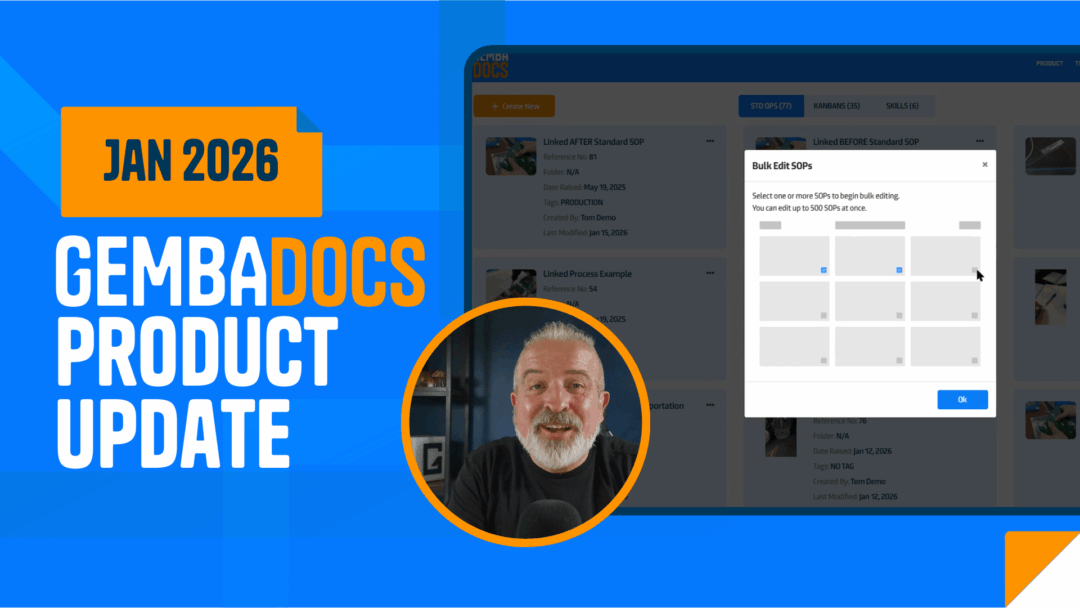
This update focuses on one thing: removing friction from SOP creation, maintenance, and use.
You’ll spend less time clicking around, less time managing documents and more time improving how work actually gets done. Several long-requested features are now live, including step-by-step video SOPs in the mobile app, clearer SOP creation options, bulk editing, and smoother approvals.
SOP Creation Options
You can now clearly see every SOP option available to you.
- Create Standard SOPs, Video SOPs, or Advanced SOPs from the same plus button
- Upload PDFs directly when working on the web app
- Same experience across web and mobile
Step-by-Step Video SOPs (Mobile App)
You can now build full SOPs by recording a video on your phone.
- Record in portrait/vertical while talking through the process (talking is key as it helps the tool break up the steps)
- Video automatically breaks into clear steps
- Each step gets its own description and thumbnail
- Users can jump straight to the step they need
- Play video only when extra detail is needed
Auto-Generated PDF from Video SOPs
Every video SOP also creates a printable SOP.
- Step-by-step PDF generated automatically
- Edit text and thumbnails directly in the mobile app
- Print and use on the floor
- Scan the QR code to jump back to the video steps
Linked SOP Improvements
Linked SOPs now stay in context. No more jumping between documents.
- Steps from linked SOPs can display directly inside the parent SOP
- Users see the full process in one flow
- Fewer mistakes during complex tasks
- QR codes still appear when formats differ
SOP Cover Sheet Updates
Cover sheets are now more flexible without losing consistency.
- Three new cover sheet sections added
- Use any headers that fit your operation
- AI cover sheet generation detects intent automatically
- Content stays aligned across documents
Bulk Editing for SOPs and Kanbans
Managing large document sets just got easier.
- Bulk edit SOPs and Kanbans in one action
- Apply naming, formatting, or value changes across many items
- Update Kanban colors consistently
- See old values and new values before applying changes
Approval Process Pull-Back
You can now pull documents out of approval.
- Withdraw a document if you spot an obvious issue
- Fix the problem
- Resubmit when ready
API Integration Guide for AI Use Cases
More teams want to use SOPs inside internal AI tools.
- New guide explains how to integrate GembaDocs SOPs with AI models
- Designed for internal chatbots and learning systems
- No duplicated research across teams
If your plan includes API access, the guide is ready for you.