
Step by step on how to install the Rear Lower MOLLE Panel on the 5th Gen 4Runner.
Installation Video: https://www.youtube.com/watch?v=Z7qbC2qsWKg
Questions or Support:
Phone: 269-353-1184
Email: info@victory4x4.com


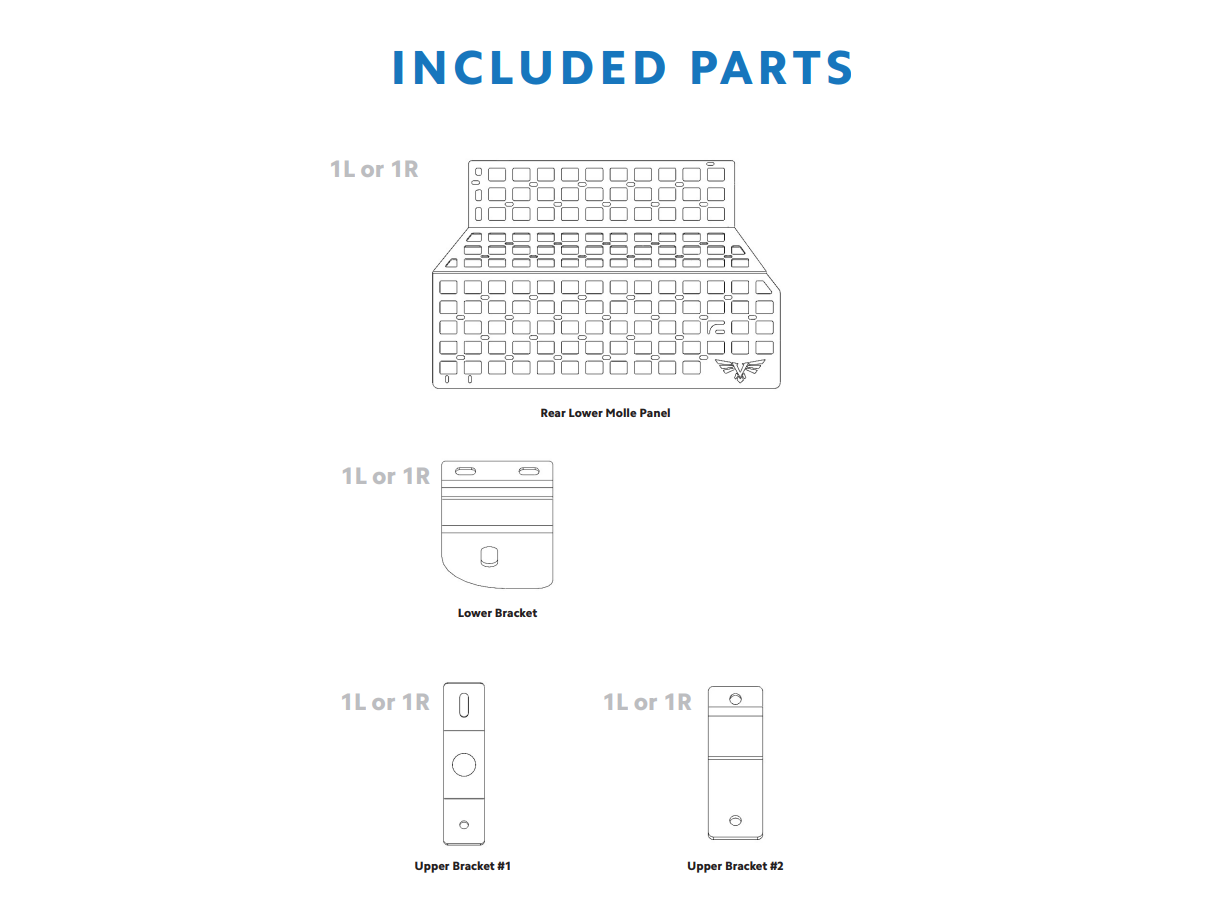


If you already have a Victory 4x4 Rear Window Molle Panel installed in your vehicle, then you can ignore the provided Upper Brackets #1,2 that came with your product. Skip to step 4.
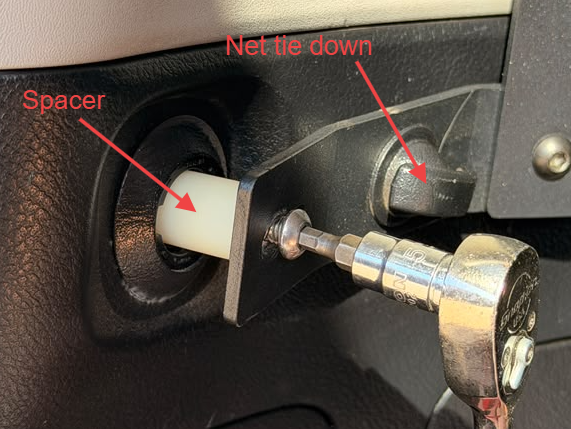
- If you do not already have a Rear Window Molle Panel, then you will need to install the (2) provided brackets. Bracket #1 can be installed by removing the net tie down clip by rotating it 90 degrees, then use a 10mm socket to remove the factory bolt.
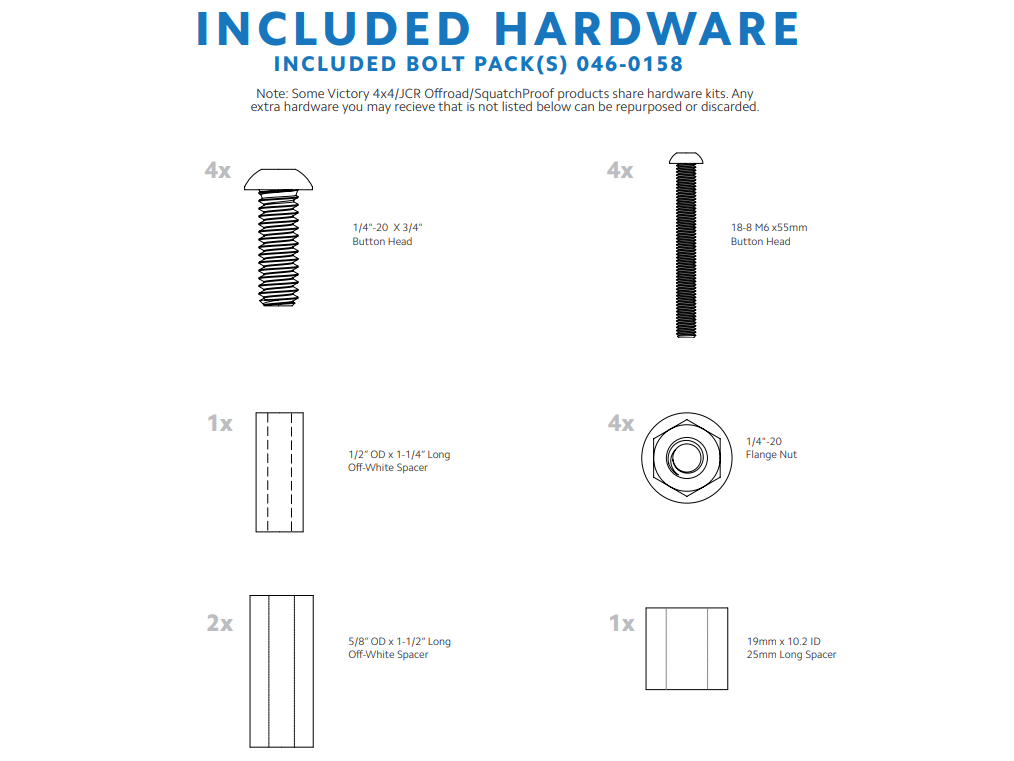
- Once removed, take the long M6 bolt and the 1-1/2” long white spacer and bolt it through the slotted side into the factory mounting hole, with the spacer behind. You can then place the net tie down back through the hole in the bracket.


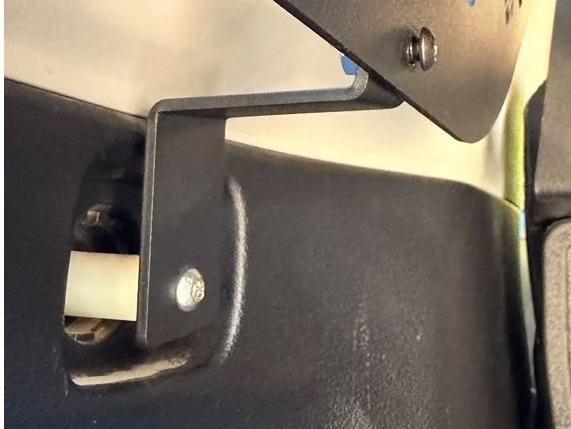
- Bracket #2 will be installed using the same hardware configuration, before you install there will be a plastic circle that needs to be removed in order to gain access to the factory threaded hole.
- When you install your bracket, ensure that the slot on the bracket is at the top before tightening down the hardware.


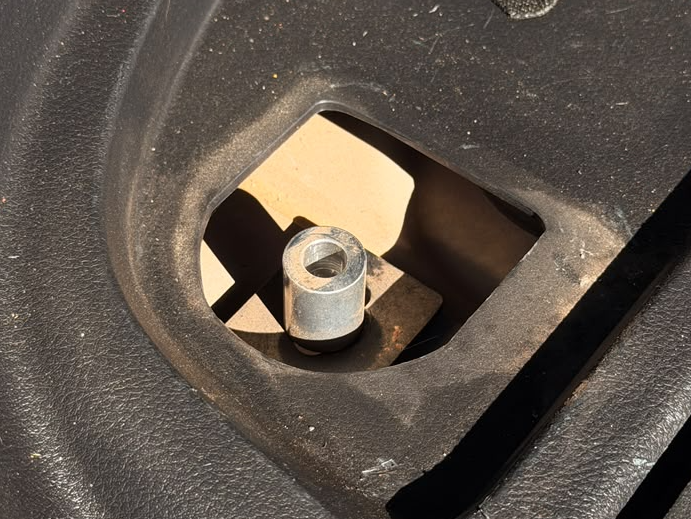
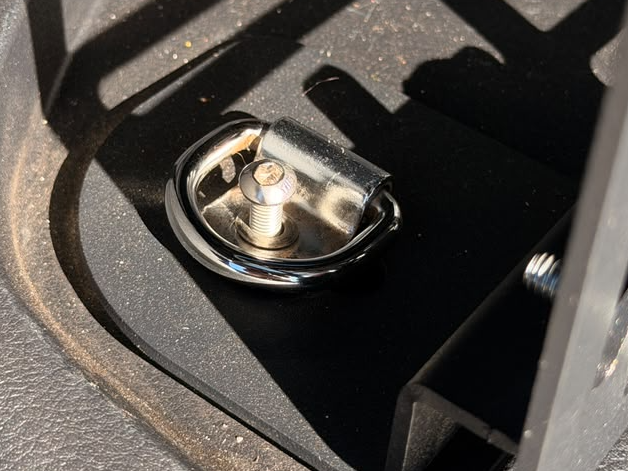
- Next, you will need to install the Lower Bracket into the floor tie down location. To do this, pop the plastic cover off of the factory tie down hook with a flat screwdriver.
- Once popped up, remove the factory hex head with a 10mm socket, and remove the whole assembly.
- Once removed, take the provided aluminum spacer and place it over the factory threaded hole in the floor for the bracket to clamp over it.
- Once in place, take your Lower Bracket and the provided long M6 bolt with the factory hook that was removed, as shown, and loosely bolt them down into place using the factory hole to clamp the hook, bracket and spacer together.

- Remove the plastic bolt cover on the rear trim and remove the factory bolt inside.

- If you have a the Window MOLLE remove these 2 screws and reuse them in the next steps.


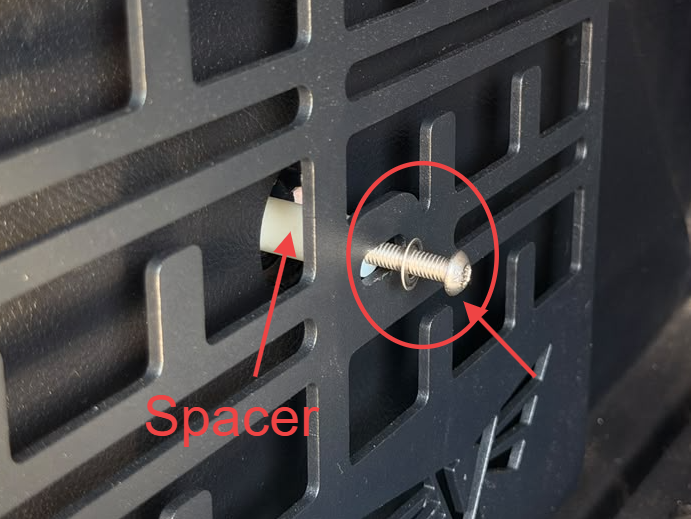
- While holding the lower panel with one hand reinstall the screw that was previously taken out of the upper right mounting bracket.
- While the panel is still loose install the nylon spacer and screw in the bottom right mounting point with the supplied hardware. (image 2)


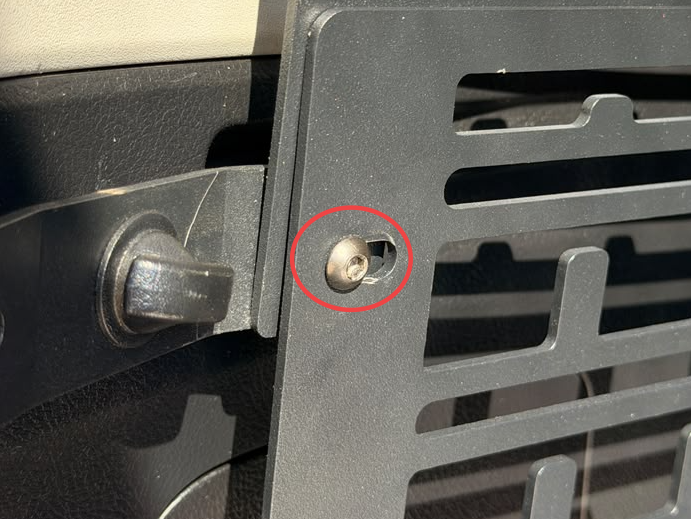
- In the bottom left using a supplied bolt and nut, secure the panel to the previously installed mounting bracket.
- In the top left reinstall the previously removed hardware with the lower molle panel on top of all the other panels as shown in image 2.

- Double check all your hardware is tightened and the panel is aligned how you like.
- Congrats! Your installation is now complete. Enjoy!
HELP CENTER
Articles & Guides
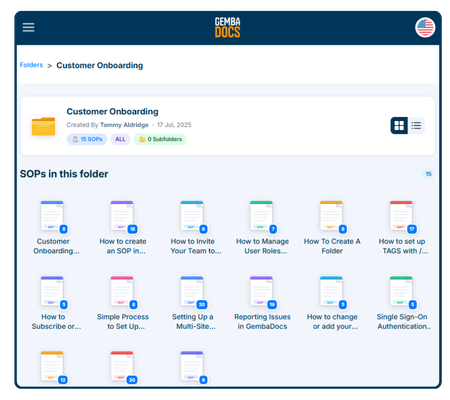
GembaDocs Onboarding SOPs
15 Min - SOPs, Guide

New: How to Create, Assign and Track Training Courses
6 Min - Guide

Learn GembaDocs
2 Min - Guides and Video
SOP vs Advanced SOP Guide
10 Min - Guides and Video
Explore
Support Hub
Lean Cave
GembaTalk
More Resources
Bugs & Improvements
Suggest an improvement, or report a bug, direct from the app/platform.
API Documentation
Connect GembaDocs with external systems