

Step by step on how to install the Fold Down Table on the Victory 4x4 Adventure Carrier! Please read all steps carefully before starting.
Questions or Support: Phone: 269-353-1184 Email: info@victory4x4.com


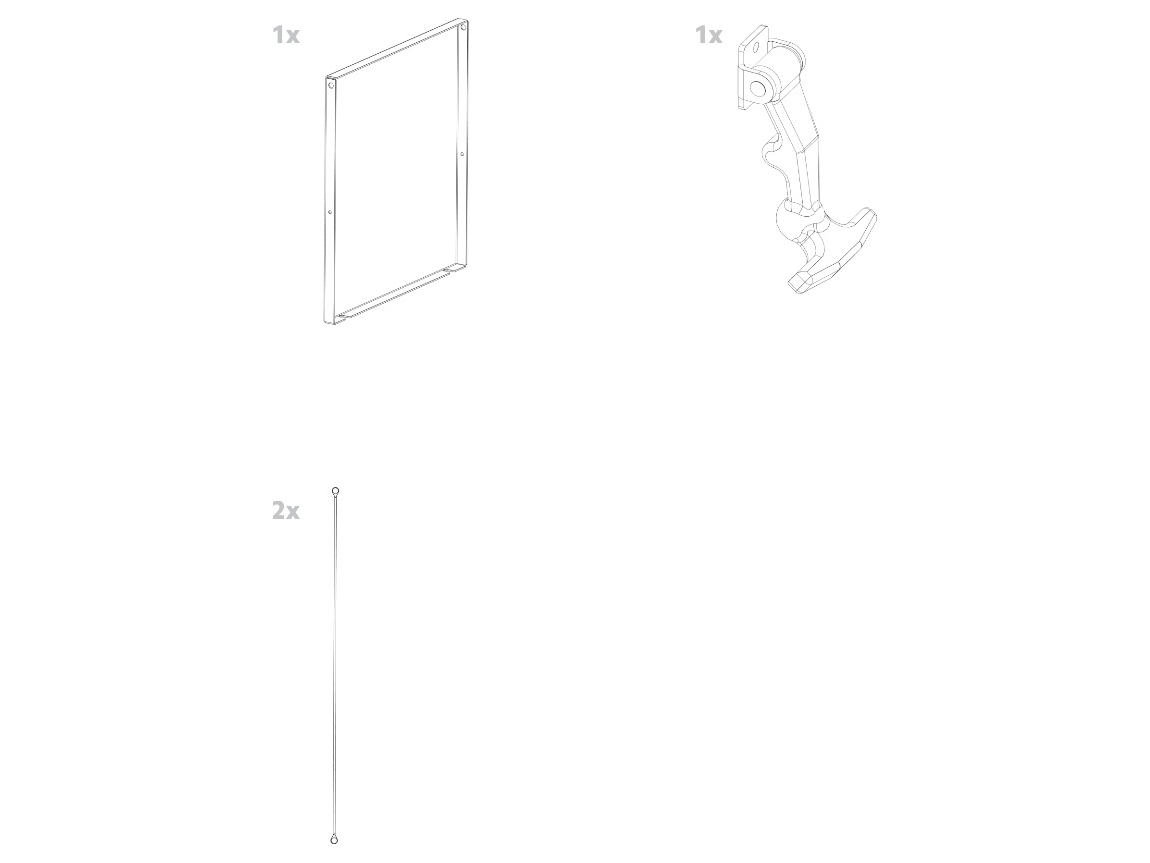
Included Parts:
(1) fold down table, (1) rubber latch, (2) lanyards


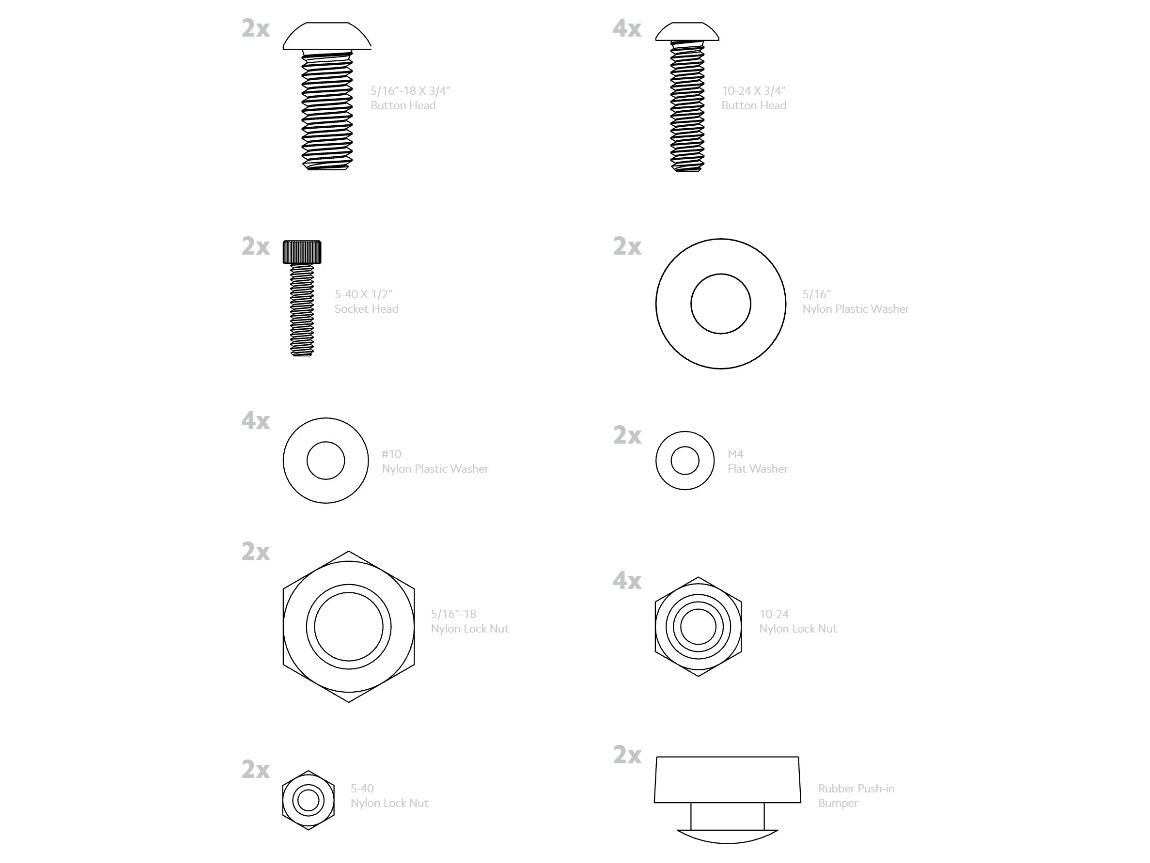
Included Hardware: 046-0071 bolt pack
(2) 5/16"-18 x 3/4" button head, (2) 5/16" nylon plastic washer, (2) 5/16"-18 nylon lock nut, (4) 10-24 x 3/4" button head, (4) #10 nylon plastic washer, (4) 10-24 nylon lock nut, (2) 5-40 x 1/2" socket head, (2) M4 flat washer, (2) 5-40 nylon lock nut, (2) rubber push-in bumpers

Insert the two rubber push-in bumpers into the large holes in the vertical bars on the inside of the adventure carrier.

Place the table between the two tabs on the bottom of the carrier and slide a 5/16"-18 x 3/4" button head bolt through each side, with a 5/16" plastic washer sandwiched between the carrier tab and the side of the table. Fasten with the 5/16"-18 lock nut.
Tighten enough that the table can't wiggle but can still flip up and down. Make sure the table is oriented so the flat side faces up when the table is down.

Attach the lanyards to the table using the 10-24 x 3/4" button head bolts, #10 plastic washers and 10-24 nylon lock nuts. The washers go between the flat side of the lanyard eye and the side of the table.

Attach the other end of each lanyard to the hole in the outside of the vertical bars on the inside of the carrier, using the same hardware as the last step. The washers again go between the flat side of the lanyard eye and the side of the bar.

Mount the latch to the slot on one of the vertical bars on the inside of the carrier (either side works; pick the side that suits your vehicle). Use the 5-40 x 1/2" socket head screws with M4 flat washers on the outside of the latch, and slip the 5-40 lock nuts on the back through the cutout in the side of the bar.
Loosely tighten first, move the latch to find the best position, then tighten fully. It should sit far enough up the slot that the rubber latch has to stretch a bit to latch the table.

Confirm all hardware is tightened. Congrats! Your installation of the Fold Down Table is now complete. Enjoy!
HELP CENTER
Articles & Guides
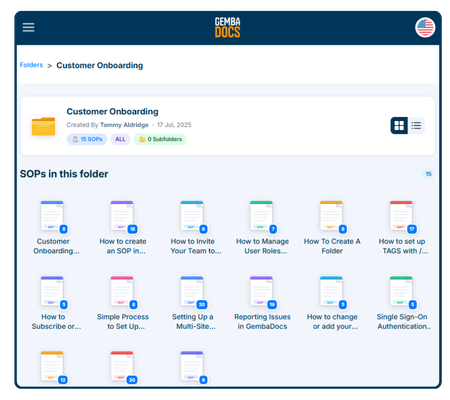
GembaDocs Onboarding SOPs
15 Min - SOPs, Guide

New: How to Create, Assign and Track Training Courses
6 Min - Guide
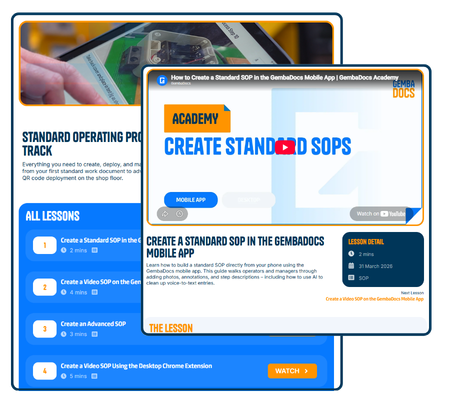
Learn GembaDocs
2 Min - Guides and Video
SOP vs Advanced SOP Guide
10 Min - Guides and Video
Explore
Support Hub
Lean Cave
GembaTalk
More Resources
Bugs & Improvements
Suggest an improvement, or report a bug, direct from the app/platform.
API Documentation
Connect GembaDocs with external systems