https://www.youtube.com/watch?v=VbJXXyA6tOg
Give it a watch before you start, then keep it open as you work through the steps below. Each step lists the timestamp it covers so you can jump right to that part if you need a closer look.
https://www.youtube.com/watch?v=VbJXXyA6tOg
Give it a watch before you start, then keep it open as you work through the steps below. Each step lists the timestamp it covers so you can jump right to that part if you need a closer look.
You do not need the following hardware for this install:
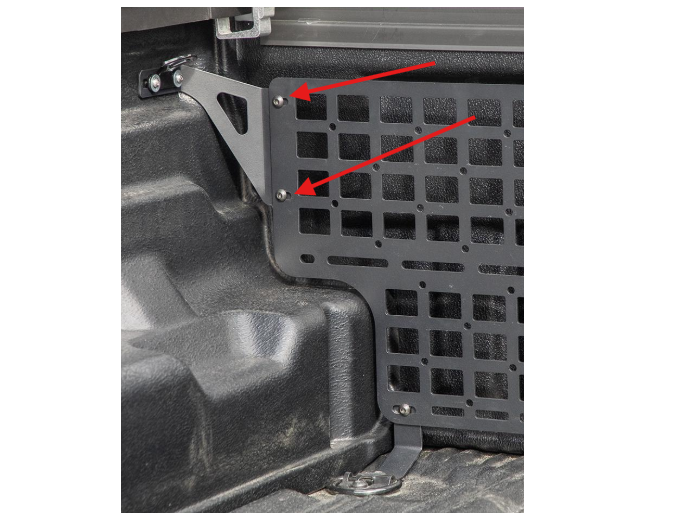
Timestamp: 1:40 to 2:15
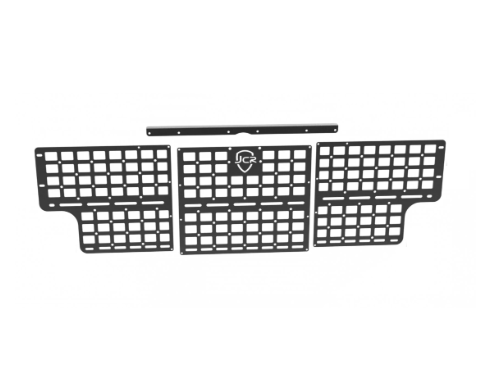
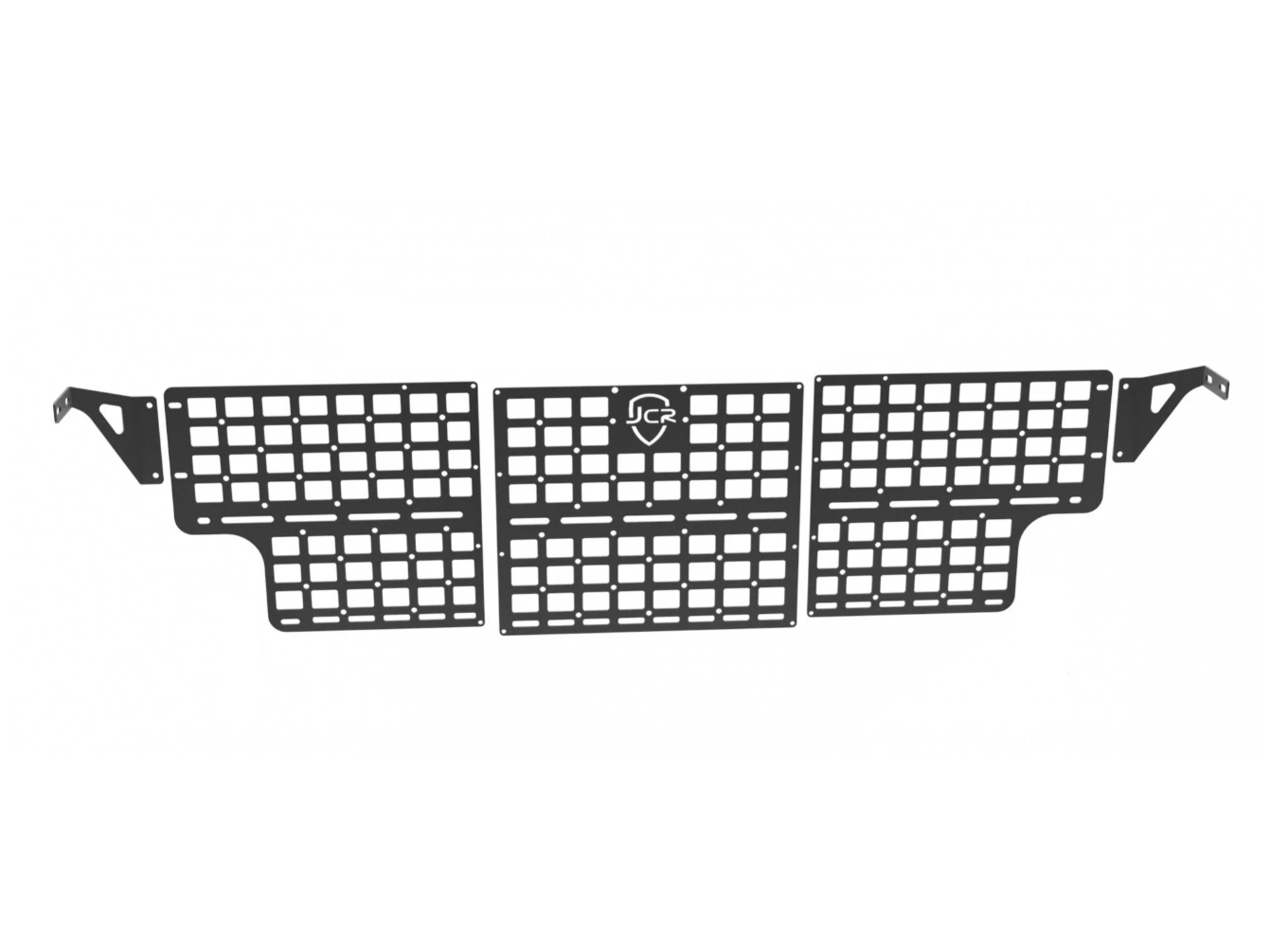
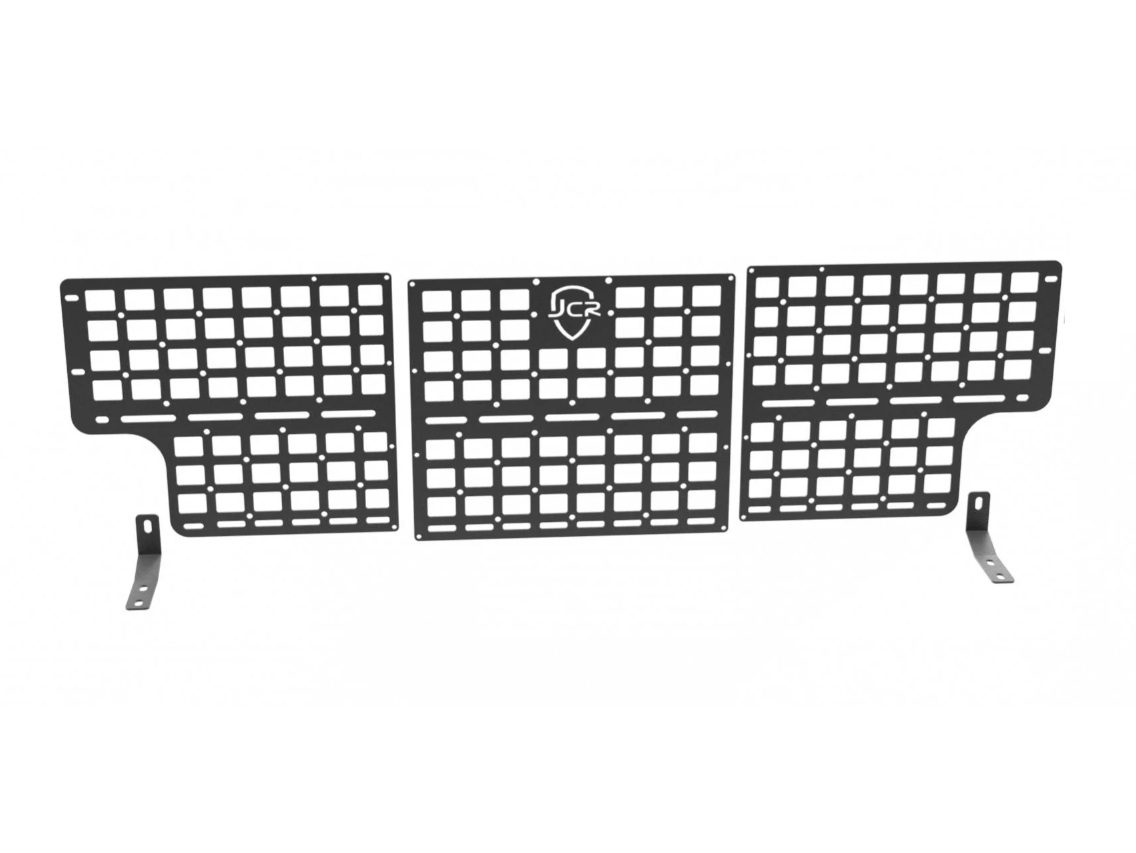
Position the driver and passenger brackets behind the panel and align with the mounting holes along the top outer edge of the molle panel. Push the 5/16”-18, 3/4” long button head bolts through the aligned holes and thread the 5/16”-18 serrated flange nuts from behind.
Snug by hand so the mounting brackets can still slide side to side.
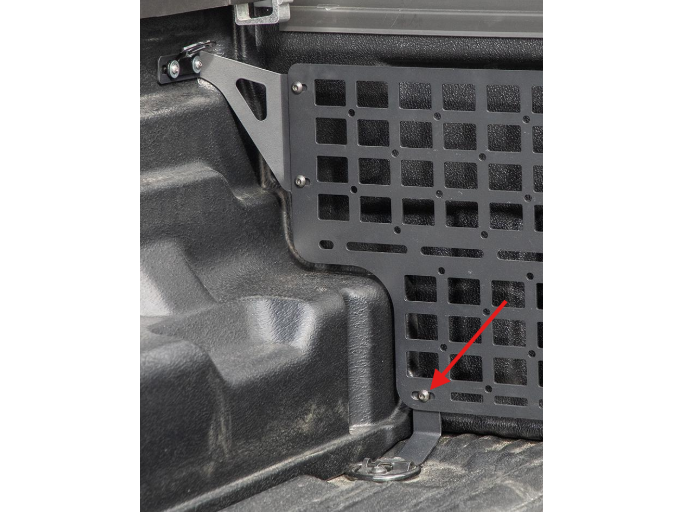
Timestamp: 2:18 to 2:33
Position the identical bottom brackets behind the panel and align with the mounting holes along the bottom outer edge of the molle panel. Push the 5/16-18, 3/4” long button head bolts through aligned holes and thread the 5/16-18 serrated flange nuts from behind.
Snug by hand so the mounting brackets can still slide side to side.
Timestamp: 4:25 to 4:54
Center the panel so the gaps look even and everything runs parallel along the bed and brackets. Tighten with a 3/16” hex for the 5/16” hardware and a 4mm hex for the M6 button heads.
Questions or Support:
Phone: 269-353-1184
Email: info@victory4x4.com
Suggest an improvement, or report a bug, direct from the app/platform.
Connect GembaDocs with external systems